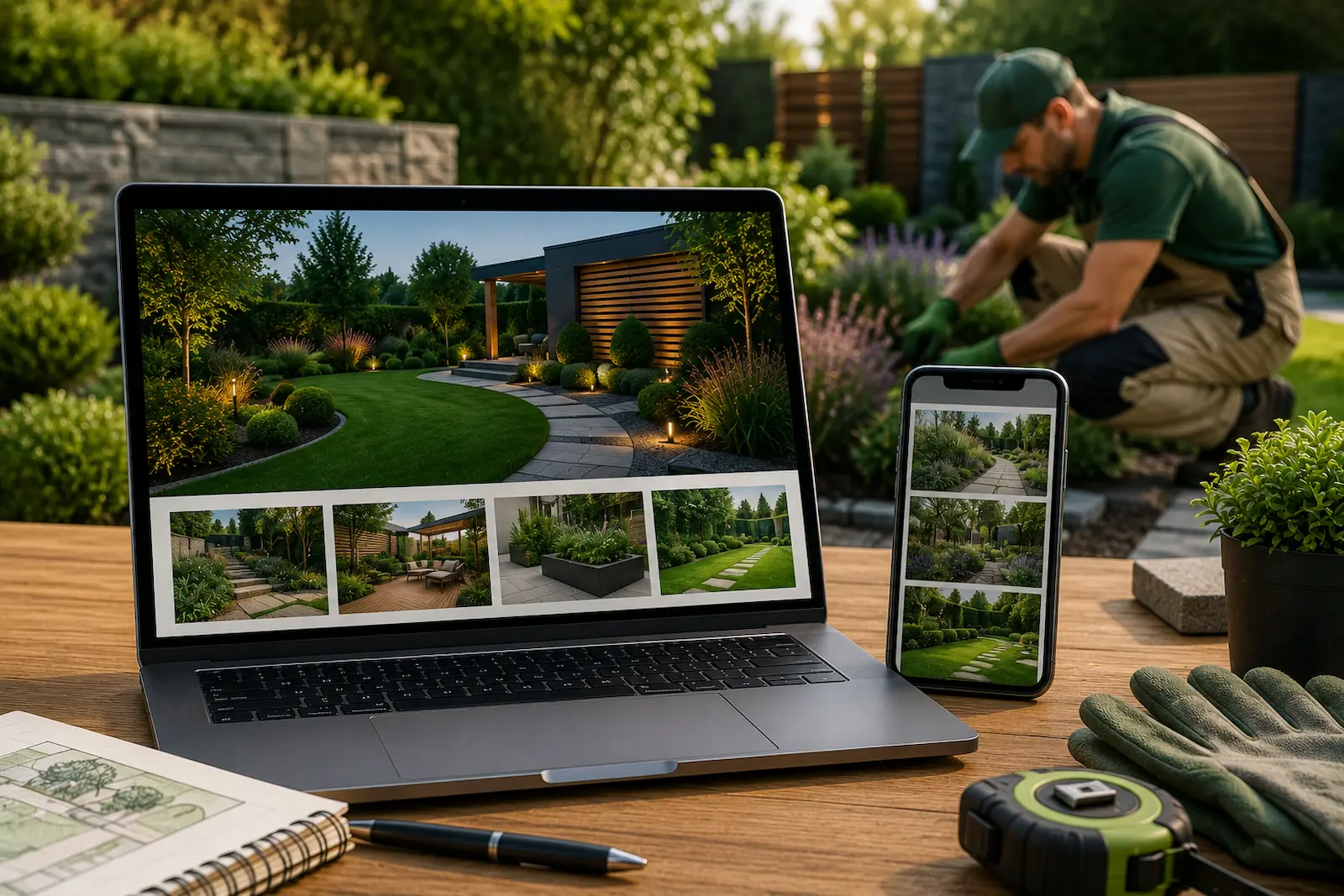
A good landscaping website should do more than list the services your business offers. It should show potential customers the quality of your work, help them imagine what you could do with their own outdoor space, and make it easy to request a quote.
Because landscaping is such a visual service, project photography, before-and-after transformations, and well-designed portfolio pages can be particularly powerful.
Below are practical landscaping website ideas that can help showcase your work, build trust, improve local visibility, and generate more enquiries.
Showcase Your Landscaping Work
For a landscaping business, completed projects are some of the strongest evidence of the quality of your work. Instead of relying only on descriptions of your services, use real project photography to show potential customers what your business can deliver.
Create a Project Gallery
Include high-quality photos of work such as:
- Garden transformations
- Patios and paving
- Driveways
- Artificial grass installations
- Fencing
- Outdoor living spaces
- Planting schemes
- Garden design projects
Use your own project photography wherever possible. Real examples of completed work can help demonstrate both the technical quality of your landscaping and the design decisions behind each project.
Rather than filling one gallery with every image you have, organise projects into useful categories such as patios, driveways, garden renovations, modern gardens, or commercial landscaping. This makes it easier for visitors to find examples relevant to the work they are considering.
Showcasing your work effectively is one of the most important elements of a successful trade website. Read What Makes a Good Trade Website?.
Use Before-and-After Projects
Before-and-after photography is particularly effective for landscaping because it shows the scale of a transformation.
A visitor can see the original garden or outdoor space alongside the finished project and better understand what your business actually changed.
For larger projects, consider creating a dedicated project page containing:
- Before photos
- Finished project photos
- A short project description
- Services provided
- Challenges or design requirements
- Approximate project timeframe
A useful project page does more than display attractive photographs. It gives potential customers context about the work and helps them judge whether you have experience with projects similar to their own.
Use Video or Drone Photography Where It Adds Value
Video and drone photography can be useful for larger gardens, driveways, commercial landscaping, and projects that are difficult to capture in a single photograph.
They are not essential for every landscaping website, but they can provide a useful additional perspective when the scale or layout of a completed project is an important part of the result.
Make Your Services Easy to Find
Potential customers should be able to quickly understand what landscaping services you provide and where you provide them.
Create Dedicated Service Pages
If you offer several distinct services, consider giving your main services their own pages rather than trying to explain everything on one general services page.
For example:
- Garden Design
- Patios and Paving
- Artificial Grass Installation
- Decking
- Fencing
- Driveways
- Garden Maintenance
- Outdoor Lighting
A dedicated service page gives you more room to explain what the service involves, show relevant projects, answer common questions, and provide a clear way for interested customers to request a quote.
It can also help search engines understand the individual services your business provides and connect relevant pages with more specific searches.
Create Useful Service Area Pages
Landscapers often work across several towns, cities, or surrounding areas. If location is important to how customers search for your services, useful service-area pages can help explain where you work.
For example:
- Landscaping Services in Location A
- Garden Design in Location B
- Patio Installation in Location C
- Landscaper in Location D
Avoid creating dozens of near-identical pages with only the location name changed. Each service-area page should provide genuinely useful information about the services you offer in that area, relevant projects where available, and how customers can contact you.
Make Your Coverage Clear
You do not necessarily need an interactive map. A simple list of service areas, coverage section, or map can all work well if they make it easy for visitors to confirm that you serve their location.
The important thing is that customers should not have to search through the website to find out whether you work in their area.
Create Helpful Landscaping Content
Your website does not have to focus only on selling services. Useful articles and guides can answer questions potential customers are already researching and introduce them to your business before they are ready to request a quote.
Answer Questions About Landscaping Costs
Cost is one of the biggest questions customers have when planning landscaping work.
Useful topics could include:
- How Much Does a New Patio Cost?
- Artificial Grass Installation Costs
- Garden Landscaping Prices Explained
- Driveway Installation Cost Guide
Cost guides can explain what affects the price of a project, what customers should consider when setting a budget, and why seemingly similar projects may have very different costs.
Avoid publishing unrealistic fixed prices simply to attract clicks. Landscaping costs can vary considerably depending on materials, access, site conditions, project size, and design requirements.
Publish Garden Ideas and Inspiration
Many homeowners research ideas before deciding exactly what they want or contacting a landscaper.
Useful topics could include:
- Small Garden Design Ideas
- Modern Patio Inspiration
- Low-Maintenance Garden Ideas
- Artificial Grass vs Natural Grass
- Outdoor Living Space Ideas
This type of content gives you an opportunity to demonstrate your experience while helping potential customers explore what might work for their own garden.
Where appropriate, include examples from your own completed projects rather than relying entirely on generic advice or stock photography.
Use Seasonal Content When It Is Relevant
Some landscaping questions naturally become more important at different times of the year.
For example:
- Preparing a Garden for Spring
- Patio and Outdoor Living Ideas for Summer
- Autumn Garden Maintenance
- Planning a Garden Renovation During Winter
Seasonal content can be useful when it answers a genuine customer question, but there is no need to publish content simply because a new season has arrived. Focus on topics that are relevant to the services your business actually provides.
Build Trust and Make It Easy to Enquire
A potential customer may like your landscaping work but still need reassurance before requesting a quote. Your website should answer common questions, demonstrate that your business is trustworthy, and make the next step obvious.
Show Customer Reviews
Reviews and testimonials can reassure potential customers that other people have had a positive experience working with your business.
Use genuine customer feedback throughout relevant parts of the website, including:
- Home page
- Service pages
- Project pages
- Contact or quote page
Where possible, match testimonials with the type of work being shown. A review from a patio customer, for example, can be particularly useful alongside a patio project or service page.
Explain Your Process
Customers may be unsure what happens after they contact a landscaper, particularly when planning a larger garden transformation.
A simple process section can explain stages such as:
- Initial consultation
- Site survey
- Design or quotation
- Project planning
- Installation
- Completion
Your actual process may differ, but explaining what customers can expect can reduce uncertainty before they make an enquiry.
Answer Common Questions
FAQs are useful when they address genuine questions customers regularly ask.
These might include:
- How long does a landscaping project take?
- Do you provide garden design?
- What areas do you cover?
- Do I need to prepare the garden before work begins?
- Can landscaping work be completed year-round?
Keep the answers useful and specific to your business rather than adding questions simply to make the page longer.
Make Contact Simple
Once somebody decides they are interested in your services, they should not have to hunt for a way to contact you.
Depending on how your business handles enquiries, useful contact options can include:
- Click-to-call phone numbers
- Simple contact or quote forms
- Clear quote request buttons
Keep calls to action visible on important service and project pages so visitors can take the next step when they are ready.
Make the Website Work Well on Mobile
Potential customers may discover your landscaping business while browsing on a phone, so the website should be easy to use on smaller screens.
Pay particular attention to:
- Simple navigation
- Readable text
- Easy-to-use forms
- Clickable phone numbers
- Clear calls to action
- Properly optimised project images
Large project galleries can become slow if full-resolution images are loaded unnecessarily. Compress and resize images appropriately so that showcasing your work does not come at the expense of website performance.
For more on mobile usability, read Why Mobile-Friendly Websites Matter for Tradespeople.
Common Landscaping Website Mistakes
Even a good-looking landscaping website can struggle to generate enquiries if important details are overlooked.
Common mistakes include:
- Using poor-quality or generic images: Landscaping is highly visual, so weak photography can make it difficult for customers to judge the quality of your work.
- Showing projects without context: Add short descriptions explaining what was completed rather than displaying unexplained photographs.
- Making services difficult to find: Visitors should be able to quickly understand the types of landscaping work you provide.
- Creating thin location pages: Avoid producing near-identical pages for every town or area simply to target local searches.
- Uploading oversized project images: Large image files can make galleries unnecessarily slow, particularly on mobile devices.
- Hiding contact options: Make it obvious how someone can call, email, or request a quote when they are ready.
A useful landscaping website should make it easy for a potential customer to answer three questions: What do you do? Where do you work? How can I contact you?
Final Thoughts
A strong landscaping website should help potential customers understand your services, see the quality of your previous work, confirm that you cover their area, and take the next step towards requesting a quote.
For most landscaping businesses, real project photography should be at the centre of the website. Combine it with useful service information, genuine reviews, clear contact options, and helpful content that answers the questions customers ask before choosing a landscaper.
You do not need every website feature in this guide. Focus on the ones that genuinely help your customers make a decision and make sure the finished website is fast, easy to use, and simple to keep updated.
A good website is only one part of attracting new customers. For more ideas, read Best Ways to Get More Leads as a Tradesperson.