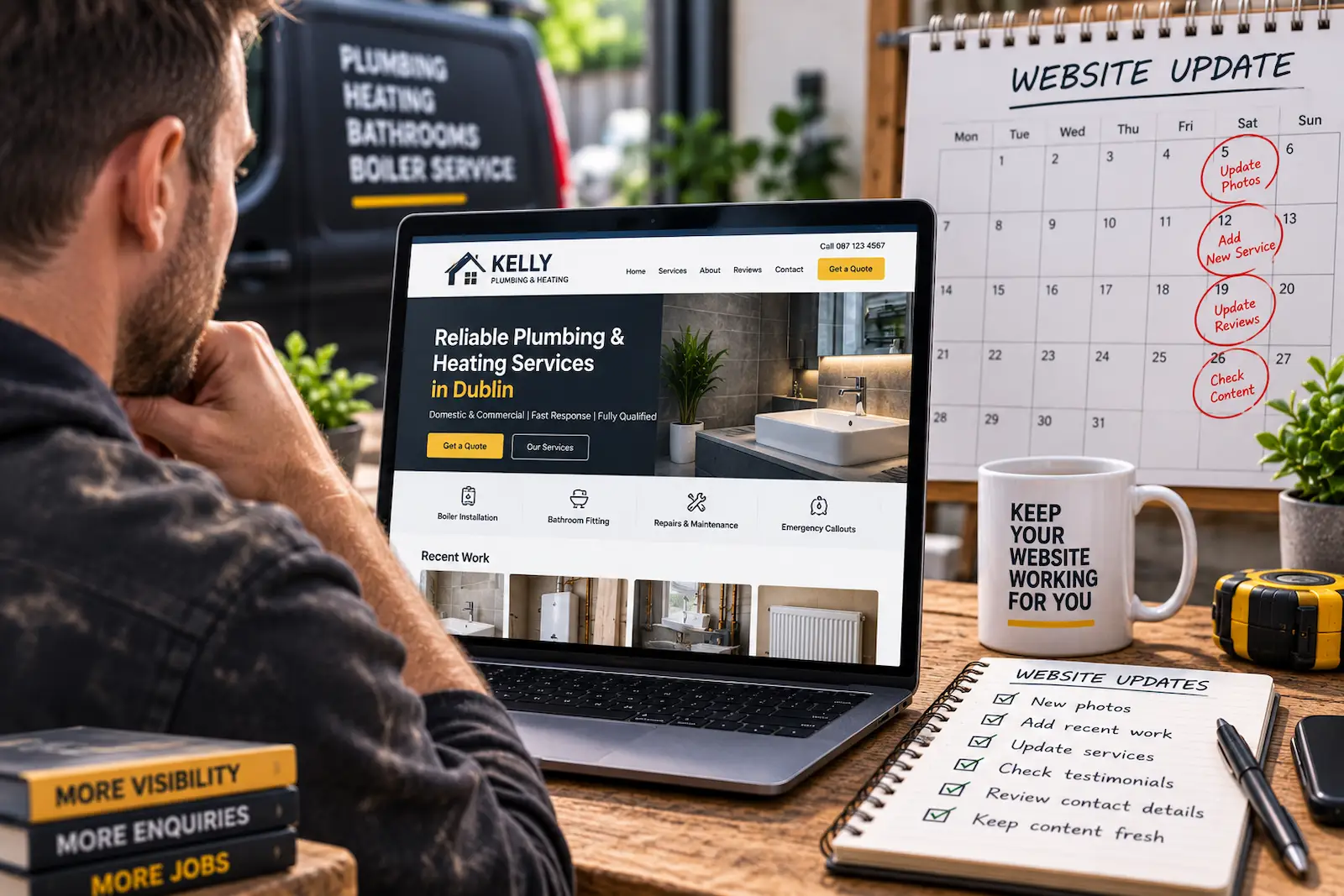
A trade website doesn't need to be redesigned every few months.
It also shouldn't be left untouched for five years.
For most tradespeople, the best approach is somewhere in the middle:
Keep important information accurate, add fresh proof of your work, and improve the website when the business changes.
That might mean adding:
- New projects
- Customer reviews
- Updated services
- New service areas
- Fresh photos
- Better contact information
- Improved page content
The goal isn't constant change.
It's keeping the website useful, trustworthy, and relevant.
How Often Does a Trade Website Need Updating?
There Is No Perfect Update Schedule
There isn't one universal rule saying:
"Update your website every 30 days."
A plumber, builder, landscaper, carpenter, and electrician may all need different levels of maintenance.
The right frequency depends on:
- How often your services change
- How many projects you complete
- Whether you're targeting new locations
- How actively you use SEO
- How often customers leave reviews
- Whether business information changes
Some websites need small updates every month.
Others may only need meaningful changes every few months.
Update Business Information Immediately
Some updates should never wait. If important business information changes, update the website as soon as possible.
That can include items such as the business phone number, email address, opening hours, service areas, business name, main services, or any contact forms.
Incorrect information on the website can directly cost you leads.
A brilliant website isn't much use if the phone number belongs to someone else.
Keep Your Website Content Up to Date
Add New Projects Regularly
For tradespeople, completed work is one of the strongest forms of website content.
If you regularly complete good projects, add some of the best ones to your site.
You might update your gallery:
- Monthly
- Every few months
- After particularly strong projects
You don't need to upload every job.
Focus on showcasing your strongest and most relevant projects rather than filling the gallery with every job you complete.
Focus on work that represents:
- The quality you want to show
- The services you want more of
- The locations you want to target
If your gallery mainly shows outdated work or services you no longer want, it may attract the wrong enquiries.
Add Fresh Customer Reviews
New reviews give potential customers more confidence that the business is active and still delivering good work.
You don't need to add every review manually.
Periodically updating your website with recent testimonials can strengthen trust and show potential customers that you're still delivering good work.
This can be especially useful when reviews relate to the services you most want to promote.
A detailed review about a large renovation is particularly useful if you're trying to win more renovation projects.
Review Your Service Pages Every Few Months
Your services can change over time.
You may:
- Add new services
- Stop offering certain jobs
- Focus on larger projects
- Expand into specialist work
- Change your service area
Check your main service pages every few months to make sure they still reflect the business accurately.
If they don't, update them.
Update Your Website When You Change Business Direction
Sometimes a website needs attention because the business itself has changed.
For example, you may move from:
General carpentry
to:
Bespoke fitted furniture and kitchens.
Or from:
Small building repairs
to:
Extensions and full renovations.
Your website should follow that shift.
If your business has evolved but the website hasn't, customers may still associate you with work you no longer want.
Review Your Homepage Regularly
Your homepage is one of the most important pages on your website.
Every few months, check whether it still clearly communicates:
- What you do
- Where you work
- Your main services
- Why customers should trust you
- How to contact you
You may not need to change anything.
The purpose of the review is simply to make sure it still represents the business properly.
View it through the eyes of a potential customer who knows nothing about your business. Does the homepage clearly communicate what you do, where you work, and what they should do next?
If you're unsure what the website should be communicating in the first place, our guide on what makes a good trade website covers the elements that help a trade website inform customers, build trust, and generate enquiries.
Keep Your Service Areas and Local Content Accurate
Keep Your Service Areas Accurate
If you've expanded into new towns or stopped covering certain locations, update the site.
This might involve:
- Homepage content
- Service area sections
- Location pages
- Footer information
- Contact information
Accurate service areas help customers understand whether you can actually take their job.
They can also support local SEO.
Update Location Pages When Needed
If you use individual location pages, review them occasionally.
Make sure they still contain:
- Accurate services
- Relevant projects
- Genuine local information
- Current testimonials
- Correct contact details
Don't leave old location pages live if you no longer work there.
Attracting customers from areas you no longer visit will leave them disappointed and leave you with leads that go nowhere.
Keep Your Website Content Useful for SEO
Publish New Content When You Have Something Useful to Say
You don't need to publish blog posts constantly.
For most trades businesses, useful content matters more than frequency.
Good article ideas might come from:
- Common customer questions
- Pricing questions
- Service comparisons
- Project planning
- Maintenance advice
- Problems customers regularly encounter
Publishing one genuinely useful article occasionally is better than forcing out weak content every week.
Updating Existing Content Can Help SEO
Older pages can sometimes perform better in search when they're genuinely improved and made more useful or relevant.
You could update an existing page by adding better examples or improving headings.
Relevant FAQs, updated examples, clearer headings, better internal links, and the removal of outdated information can all make an existing page more useful.
Updating useful existing content can form part of a wider SEO strategy. Our guide on how to rank higher on Google as a tradesperson looks at the other factors that can help improve your visibility in search.
It is important to remove outdated information, but it does not mean you need to rewrite everything from scratch.
Sometimes a small improvement is enough to push the needle.
Don't Change Pages Just to Look Active
Updating content purely for the sake of changing the date isn't particularly useful.
If a page is accurate, useful, and performing well, it may not need major changes.
Avoid rewriting good pages every month simply because you think Google expects constant activity.
Meaningful improvements are better than unnecessary changes.
Check That Your Website Still Works Properly
Check Your Website for Broken Information
Every few months, it is worth checking for simple problems such as:
- Broken links
- Missing images
- Outdated phone numbers
- Old staff information
- Incorrect opening hours
- Broken forms
These issues are easy to overlook, but potential customers who encounter them may assume the website, or even the business itself, is being neglected. Small problems can quickly undermine trust.
Test Your Contact Forms
A contact form that stopped working three months ago can quietly cost you enquiries.
Test your forms occasionally.
Make sure:
- Messages are being delivered
- Confirmation messages work
- Required fields behave correctly
- Mobile users can complete the form
It takes a few minutes and can prevent a much bigger problem.
Check Your Website on Mobile
Your site may have looked perfect when it launched.
It might even have been the coolest website around in the 2010s.
Unfortunately, the internet has moved on.
After updates, new images, layout changes, or even the passing of time, something can occasionally break or become irrelevant on modern phones.
Check important pages on a phone every so often.
Look at:
- Navigation
- Buttons
- Forms
- Images
- Text
- Click-to-call links
Mobile usability matters because many potential customers will find you on their phone.
For a closer look at what makes the mobile experience so important, read our guide on why mobile-friendly websites matter for tradespeople.
Review Website Speed
Large photos and additional content can gradually slow a site down.
Periodically check that your website still loads quickly, and this is particularly important for trades businesses with large project galleries.
Even a well-designed website can frustrate potential customers if it takes too long to load.
Speed can directly affect the experience customers have on your site. Our guide on why slow websites lose trades leads explains how poor performance can get in the way of enquiries.
Optimise:
- Images
- Videos
- Scripts
- Plugins where applicable
A photo gallery doesn't need to arrive with the file size of a feature film.
Keep Software Updated
If your website uses a platform such as WordPress, software updates can be important for security and reliability.
That can include:
- WordPress itself
- Plugins
- Themes
- Security tools
Modern managed platforms may handle much of this automatically.
Either way, the technical side of the website shouldn't be ignored indefinitely.
Use Website Data to Guide Improvements
Review Analytics Occasionally
Website analytics can help identify what is working.
Look at:
- Most visited pages
- Traffic sources
- Contact form submissions
- Popular services
- Pages with low engagement
- Search traffic
You don't need to check analytics every morning.
A periodic review can help you decide where improvements are actually needed.
The goal isn't to collect data for the sake of it. It's to use that information to identify pages or parts of the website that may deserve attention.
Check Google Search Console
Google Search Console can help you understand how your site performs in search.
You can monitor:
- Search impressions
- Clicks
- Search queries
- Indexed pages
- Search performance
If an important page is gaining impressions but relatively few clicks, it may be worth reviewing its search appearance, title, description, content, and how closely it matches the searches generating those impressions.
Know When a Full Website Redesign Is Necessary
When Does a Website Need a Full Redesign?
Regular updates are different from a redesign.
You may need a full redesign if the website:
- Looks badly outdated
- Is difficult to use on mobile
- Loads very slowly
- No longer reflects the business
- Is difficult to update
- Has poor navigation
- Generates very few enquiries
- Cannot support the services or pages you now need
Sometimes the issue isn't the design itself but whether the structure still suits the business. Our guide on whether one-page websites are good for tradespeople looks at when a simple website is enough and when expanding to a larger structure makes sense.
If the site is modern, fast, easy to use, and still represents the business properly, a redesign may be unnecessary.
Don't Redesign a Good Website Without a Reason
A new design can feel productive.
But redesigning a website that already works can create unnecessary risk.
You could lose:
- Useful content
- Existing search rankings
- Familiar navigation
- Conversion elements that already work
Before redesigning, ask:
What problem are we actually trying to solve?
If you don't have a good answer, smaller improvements may be the better option.
A Simple Website Update Schedule
For many tradespeople, a practical routine could look like this:
Immediately when needed:
- Update contact details
- Update opening hours
- Correct service information
- Update important business details
Monthly or when you have something worthwhile to add:
- Add strong new projects
- Add recent reviews
- Refresh relevant portfolio content
Every 3–6 months:
- Review service pages
- Check contact forms
- Review service areas
- Check mobile usability
- Review analytics
- Look for outdated information
Yearly:
- Review the entire website
- Check branding and positioning
- Assess website performance
- Decide whether larger improvements are needed
This isn't a strict rule.
It's simply a useful starting point.
Common Website Maintenance Mistakes
Tradespeople often make mistakes such as:
- Never updating project photos
- Leaving old services online
- Ignoring broken forms
- Forgetting to update contact details
- Letting reviews become outdated
- Changing pages unnecessarily
- Ignoring mobile performance
- Assuming a redesign is always the answer
Most website maintenance is fairly simple.
Consistency matters more than constant rebuilding.
Final Thoughts
Tradespeople don't need to update their website every week, but they should make sure it keeps pace with the business.
Update it whenever important information changes.
Then regularly refresh:
- Projects
- Reviews
- Services
- Service areas
- Helpful content
- Technical performance
Think of your website as part of the business rather than a one-time project.
It doesn't need endless attention.
It just shouldn't be forgotten.
A website that still advertises services you stopped offering three years ago isn't exactly helping anyone.